
Valheim Base & Portal Network
Pin every base, exact portal tag, intended pair, and sail route on your own map screenshot, and see incomplete endpoints and tag hazards at a glance.
1 World network
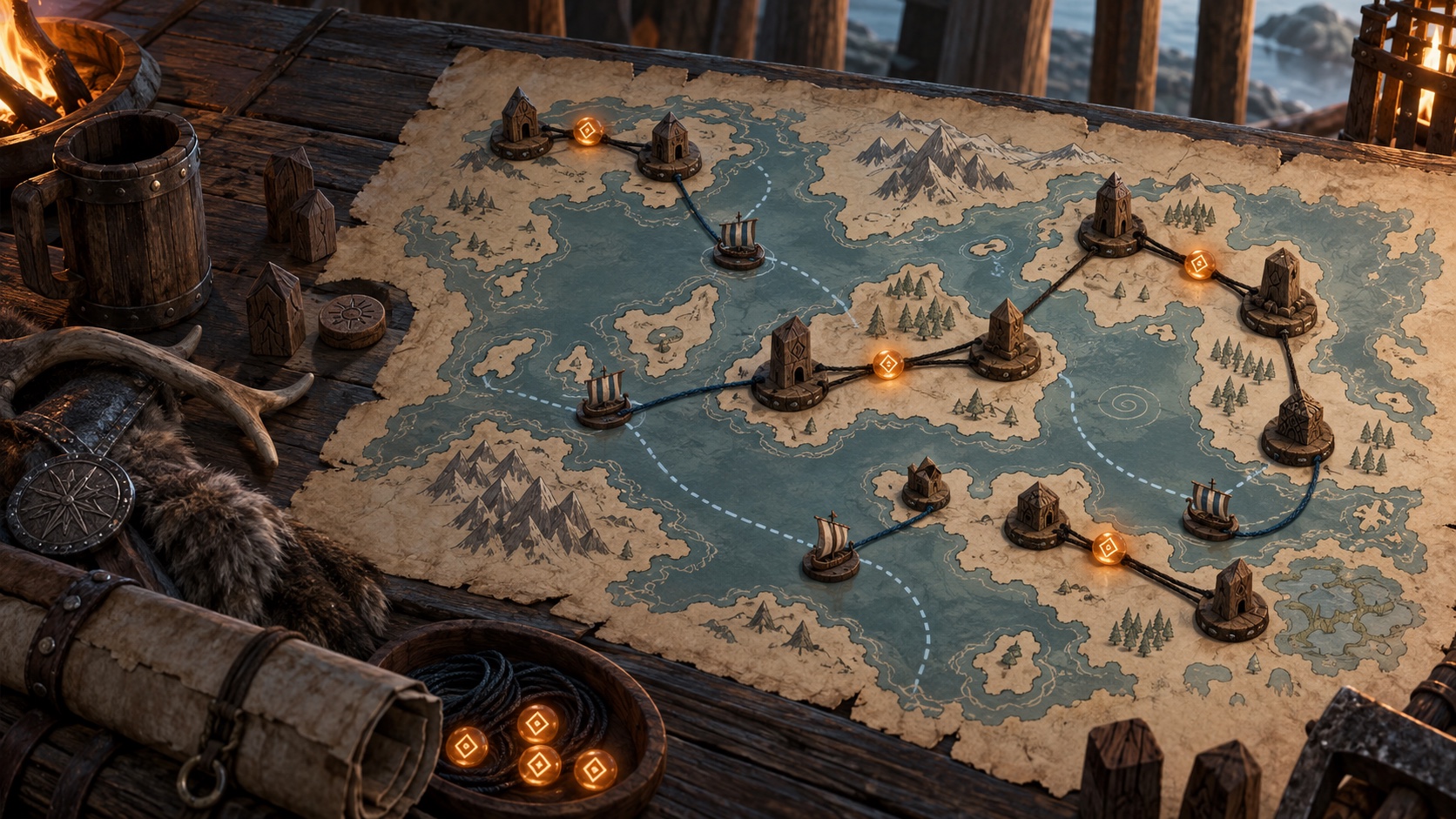
Add a screenshot of your in-game map, pin your bases on it, then draw the portal pairs and the sail routes that still need a ship.
This browser will not keep saved work — storage is blocked, or this is a private window.
This workspace is your copy, not a live multiplayer board. It works signed out and makes no network request: your map screenshot is resized and kept in this browser, and goes into the JSON backup under Your copy with everything else. Use print, CSV, or that backup to hand the record to another player.
Getting your map in
Open the in-game map, zoom out until the area you have explored fills the screen, and take a screenshot. Drop it on the chart, or choose Add map image. Pins are kept as positions on the image, so a clearer screenshot taken later can replace the old one and the pins stay put.
Portal rules represented here
Portal tags are case-sensitive and limited to ten characters. A blank tag is valid. When more than two portals use the same exact tag, the game pairs them according to the order in which tags were assigned, so this tool marks repeated tags as order-dependent instead of inventing a connection. A pair becomes confirmed only when you say you checked it in the game.
Mechanics reference: Valheim portal reference. Release baseline: Valheim 1.0. Reviewed 2026-09-20.
Pins sit where you put them on your screenshot; the tool does not read the game's map, and it does not estimate distance, travel time, cargo restrictions, or live server state.
Read next
From valheim.top, on what you are working with here.
Your copy
Download everything saved in this browser, or restore a backup on this device.